截一张图,
锁屏就有了Screenshot it.
It’s on your Lock Screen.
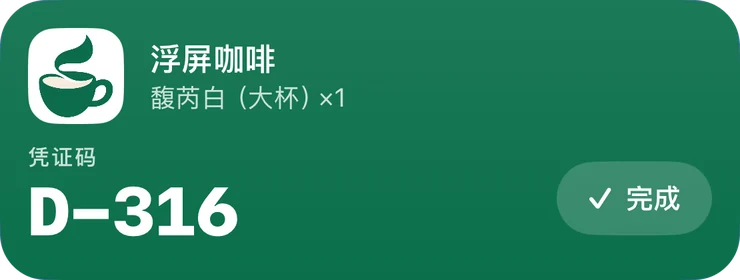
跟着一张取餐码,走一遍Follow one pickup code all the way
中午在外卖 App 里点了杯咖啡。从截图到取到手,这张码在浮屏里经过六站。
Lunchtime. You order a coffee for pickup. From screenshot to cup in hand, its pickup code makes six stops in floato.
先截一张图Start with a screenshot
外卖的取餐页、快递的取件短信、电子车票……码在哪个 App 里都行,截下来就好。
An order page, a pickup text, an e-ticket. Whatever app the code lives in, just screenshot it.
示意:别家 App 的截图,画成了线稿Sketches: other apps’ screens, redrawn as line art
交给浮屏,有四种办法Four ways to hand it over
回到浮屏选图最直接。嫌麻烦的话,「自动化」里还有三种,不用打开浮屏。
Picking it in floato is the most direct. Or skip the app entirely: the Automation tab has three more ways.
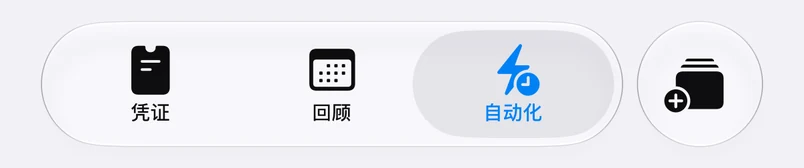
最直接:打开浮屏,点右下角的添加按钮,选刚截的那张;也可以直接拍一张照片。
The most direct way: open floato, tap the add button at the bottom right, and pick the screenshot you just took. You can also snap a photo instead.
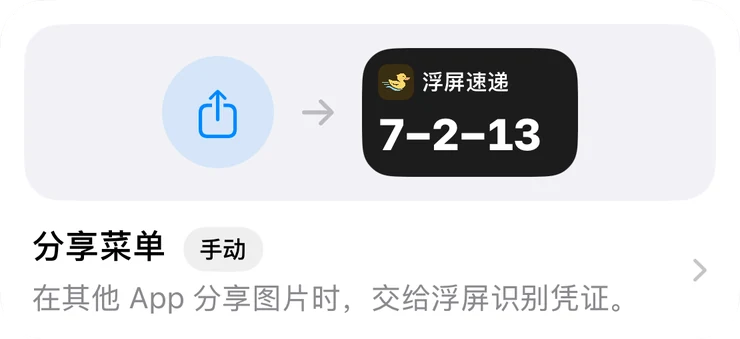
不用打开浮屏:截图后点缩略图,选「分享」,在应用那一排下面选「固定到锁屏」。
No need to open floato: tap the screenshot thumbnail, tap Share, and choose “Pin to Lock Screen” below the row of apps.
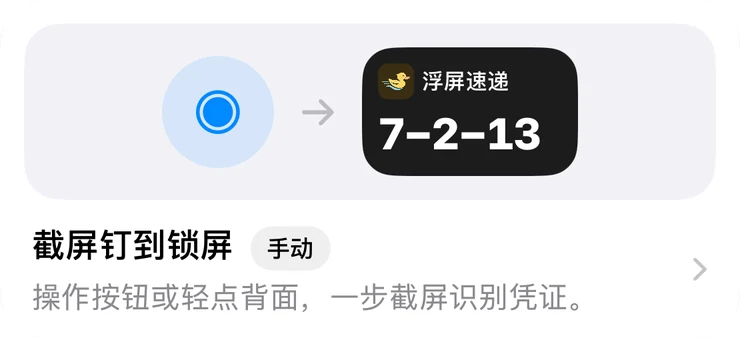
配一次快捷指令,之后按住操作按钮或轻点背面两下,截图、识别、上锁屏一步走完。
Set up the Shortcut once. After that, press and hold the Action Button or double-tap the back of your iPhone: screenshot, read and pinned in one go.
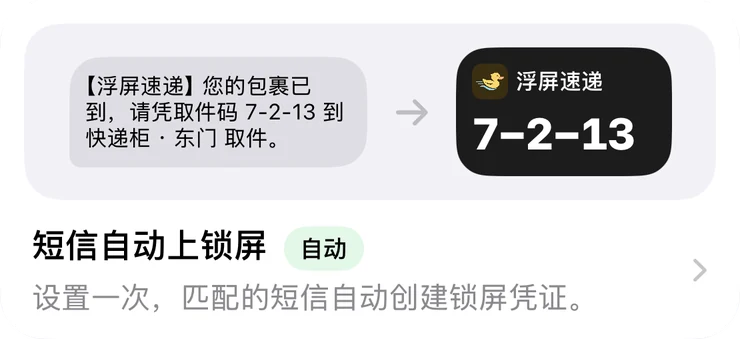
设置一次,之后匹配的短信会自动创建锁屏凭证,取件短信不用再自己截。
Set it up once, and matching texts turn into Lock Screen passes on their own. No more screenshotting pickup texts.
它读出要紧的那几个字It picks out what matters
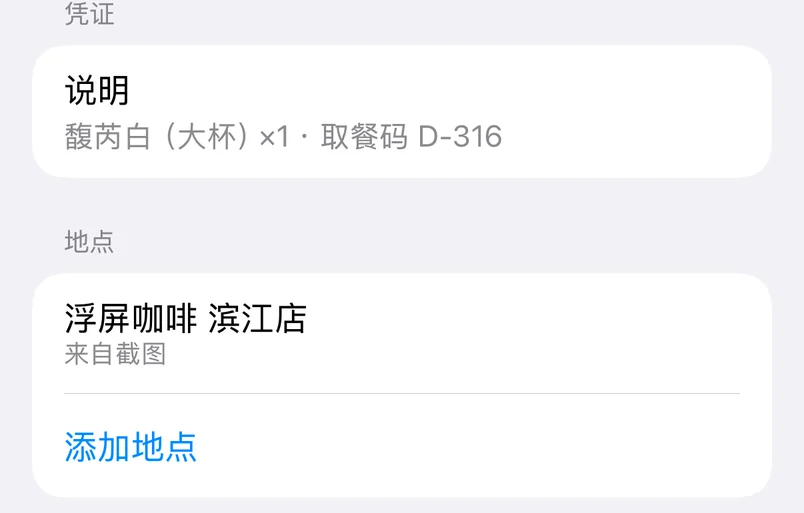
品牌、凭证码、时刻、地点一次认全。识别在云端完成,几秒后卡片就在锁屏上。
Brand, code, time and place, all in one pass. Recognition runs in the cloud, and a few seconds later the card is on your Lock Screen.
粉色划出来的,就是被认出的字段。Anything marked in pink is a field it picked up.
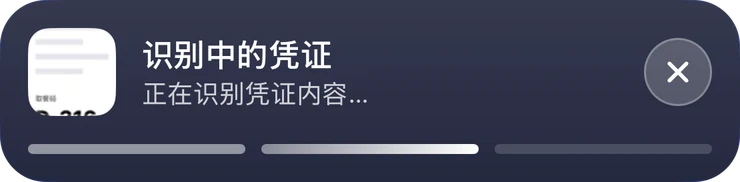
识别中,锁屏上就能看到进度Reading. Watch the progress on your Lock Screen.
锁屏上,抬手就见Lift your phone. There it is.
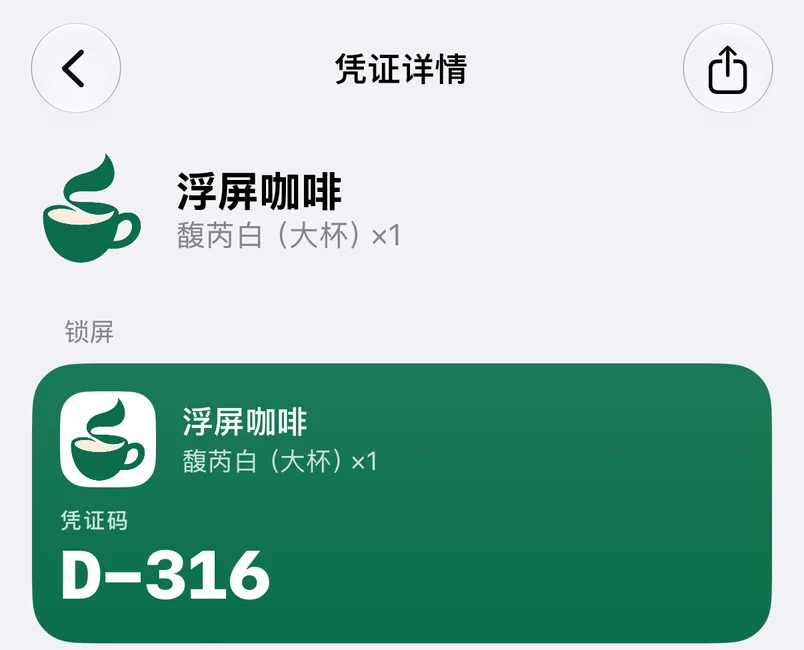
取到手之前,这张卡一直在锁屏上。在支持的 iPhone 上,它也缩进灵动岛,在别的 App 里也看得见。
Until the coffee is in your hand, the card stays on your Lock Screen. On supported iPhone models it also tucks into the Dynamic Island, so it’s still there while you use other apps.
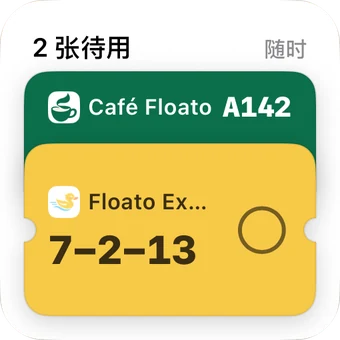
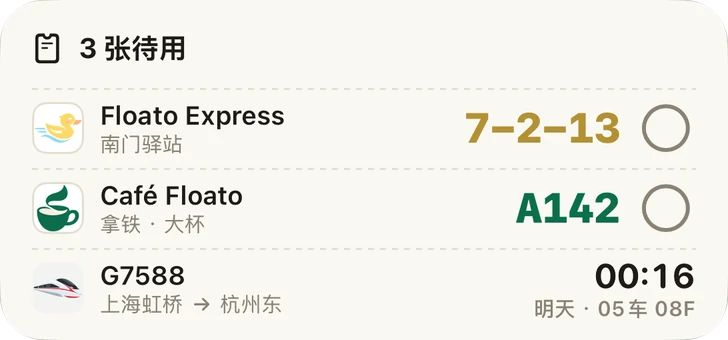
主屏小组件把待取的码排成一列,不打开浮屏也能看;取完在小组件上点一下,就算完成。
Home Screen widgets line up the codes you’re waiting on, without opening floato. Picked it up? One tap on the widget marks it done.
灵动岛里也有它In the Dynamic Island, too
这一天,还有这些And the rest of your day
取件码、车牌、电影开场、高铁检票、登机口……每一种都排成最好认的样子。
Locker codes, license plates, showtimes, train gates, boarding gates. Each one laid out the way it’s easiest to read.
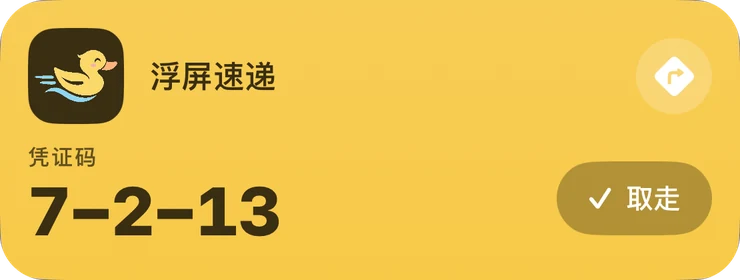
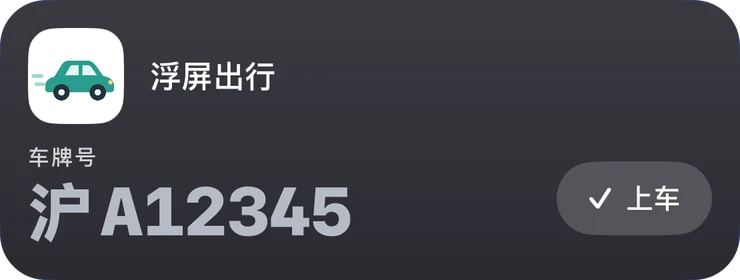
下面每一张都是 App 真实渲染的锁屏卡,店名、单号和片名是示例。Every card below is rendered by the app itself. Store names, numbers and film titles are examples.
快递柜取件码 附导航Locker pickup code with directions
打车,车牌最大Rides, plate number up front
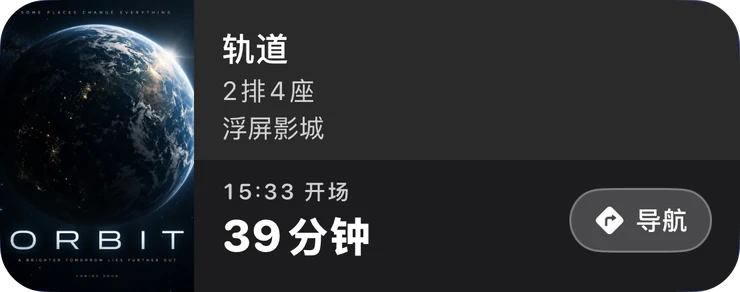
电影,开场前倒数Movies, counting down to showtime
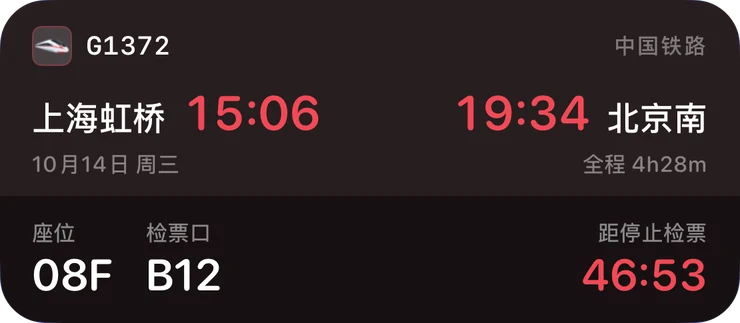
高铁,检票口和停止检票Trains, with gate and boarding cutoff
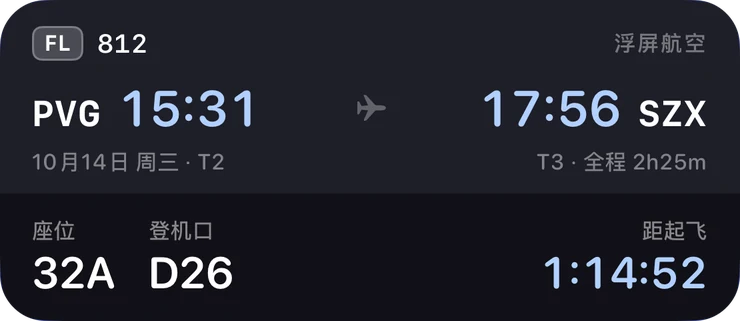
航班,登机口和座位Flights, with gate and seat
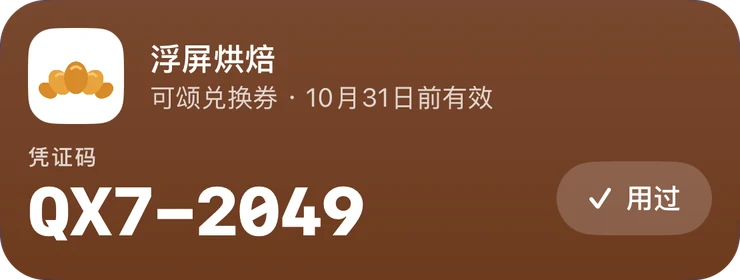
兑换券,写着有效期Vouchers, with the expiry date
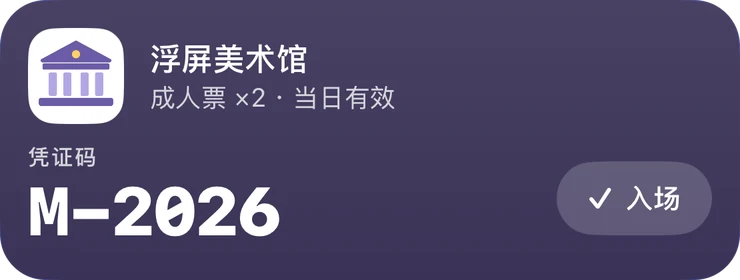
美术馆入场Museum entry
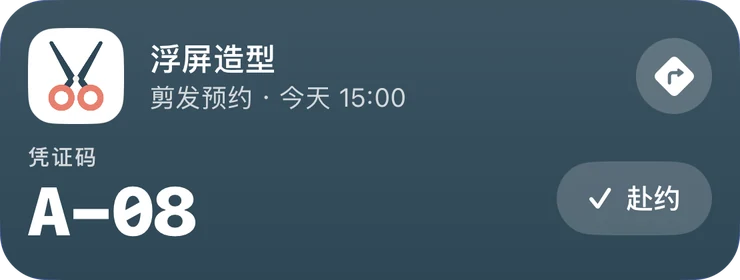
剪发预约 附导航Haircut booking with directions
取到了,点「完成」Got it? Tap Done
卡片从锁屏收走,落进回顾日历。看过的电影、坐过的车和飞机,点完成后都留下一张票根;取餐、取件按店记次数。
The card leaves your Lock Screen and lands in your Recap calendar. Every movie, train and flight you mark Done leaves a ticket stub; pickups are counted by store.
锁屏上的电影卡没有完成按钮,看完回到浮屏点一下。Movie cards have no Done button on the Lock Screen. Mark them done in floato after the show.
已从锁屏收走Off the Lock Screen点卡上的「完成」试试Tap Done to try it
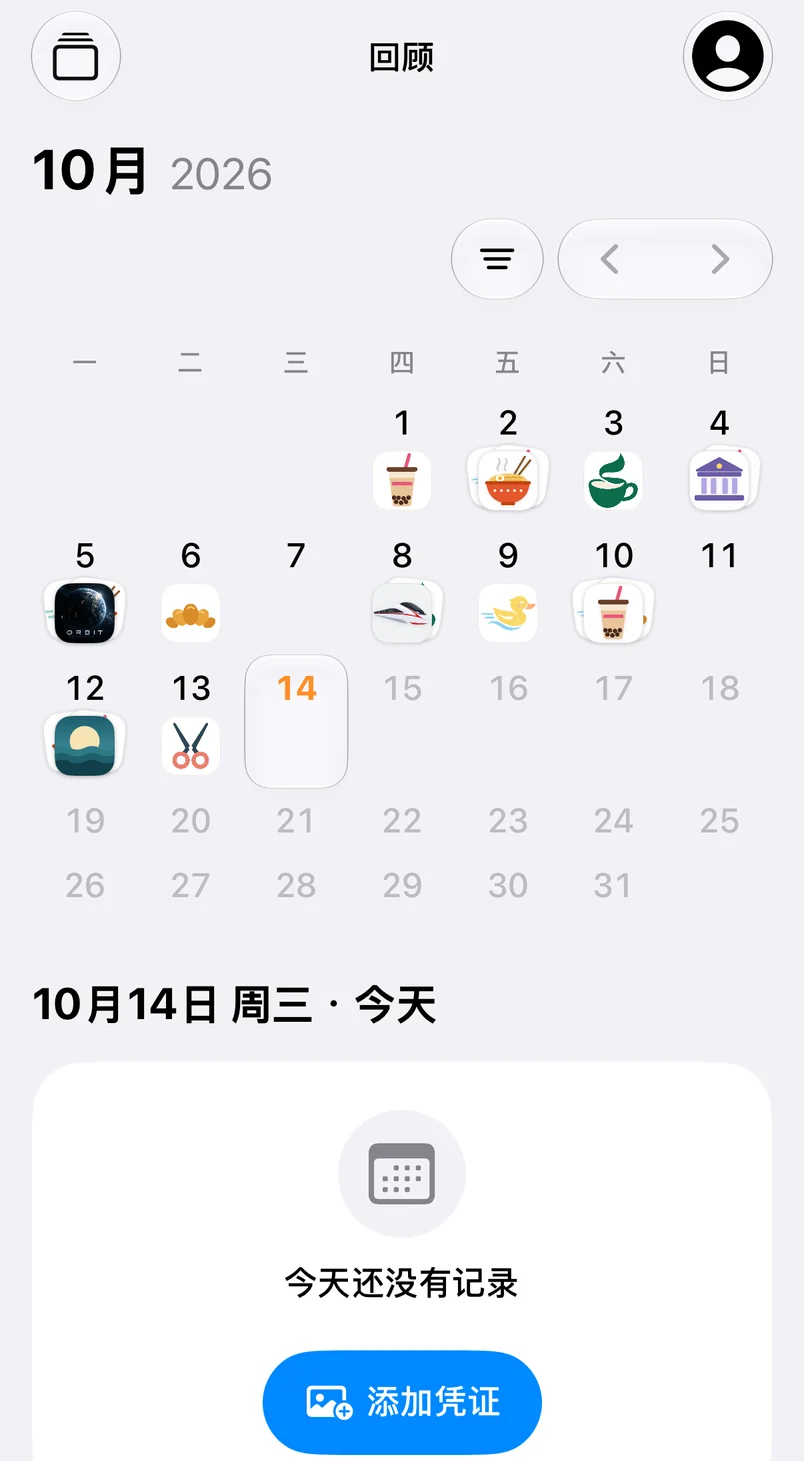
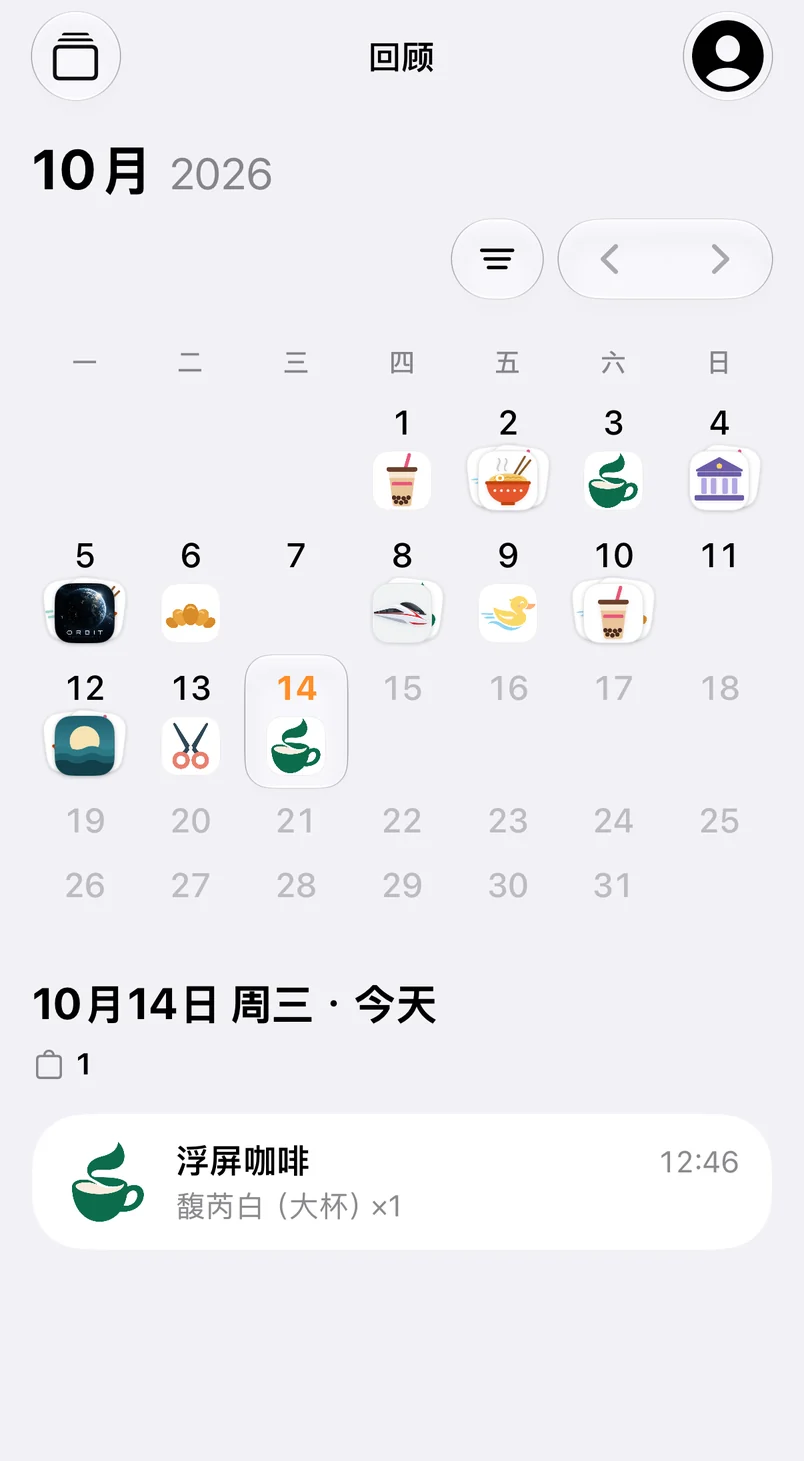

贴纸会落在今天这一格
隐私,先说清楚Privacy, up front
识别在云端完成,所以这几条写在前面。
Recognition happens in the cloud, so this comes first.
- 截图只用于当次识别,不保存原图。Your screenshot is used only for that one recognition. The image itself is never stored.
- 识别出的结构化结果最多保留 24 小时,之后自动删除。The structured result is kept for at most 24 hours, then deleted automatically.
- 不需要注册账号;不保存姓名、邮箱、手机号。No account needed. Your name, email and phone number are never stored.
识别服务提供订阅与点数包两种选择,具体价格与试用条件以 App 内显示为准。浮屏只从你的截图里提取信息,不签发、不验证凭证;识别结果可能有误差,使用前请以商家原始信息为准。
Recognition runs on a subscription or credit packs; see the app for current prices and trial terms. floato only reads what’s in your screenshot. It doesn’t issue or verify passes, and results can contain errors, so check the merchant’s original details before you rely on them.
阅读完整隐私政策Read the full privacy policy联系我Get in touch
浮屏由一个人做。识别错了、想放新的凭证类型,或者只是想聊聊,都欢迎。
floato is made by one person. Got a wrong read, a pass type you’d like to see, or just want to say hi? I’d love to hear from you.
- 邮箱Email
- support@thoamsy.me
- 小红书
- 小黄瓜队长
- Telegram
- 浮屏用户群,点这里加入Join the floato group
把下一张截图交给浮屏Try it on your next screenshot
现在可从 App Store 下载,打开就能用,无需注册。
Available now on the App Store. Open it and go, no account needed.
在 App Store 下载Download on the App Store